


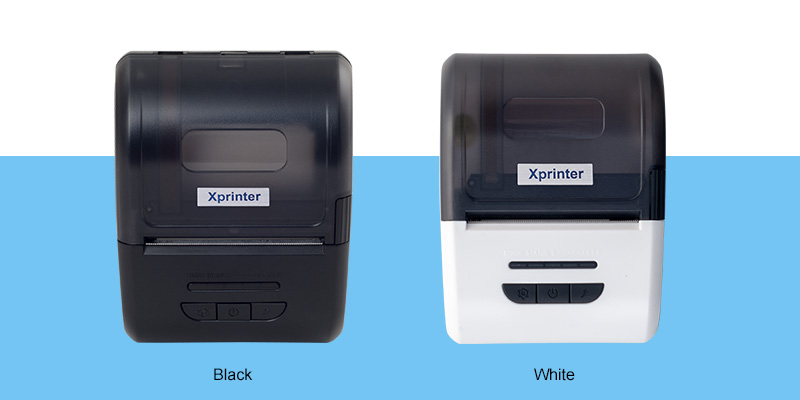
Connectivity is one of the most important factors to consider when choosing a mobile receipt printer. The connection method affects how easily employees can send print jobs, which devices can be supported, and how flexible the printer is in different working environments.
A Mobile Receipt Printer can use technologies such as Bluetooth, Wi-Fi, or USB to communicate with smartphones, tablets, computers, and point-of-sale systems. Understanding the differences can help businesses select a connection that matches their daily workflow.
Bluetooth Connectivity
Bluetooth is a popular option for mobile printing because it allows compatible devices to connect wirelessly over a relatively short distance. It is particularly useful when an employee carries a printer while using a smartphone or tablet to process transactions.
Bluetooth setup is generally straightforward, making it suitable for delivery services, hospitality, mobile retail, and field operations. However, the practical connection range can vary depending on the printer, device, and surrounding environment.
When Bluetooth Makes Sense
Bluetooth can be a good choice when:
- Printing is normally performed from one nearby smartphone or tablet.
- Employees need a simple wireless connection.
- The printer is used in changing locations.
- A local connection is sufficient without a shared network.
Wi-Fi Connectivity
Wi-Fi connects a printer to a wireless network, allowing compatible devices on that network to communicate with it. This can be useful in environments where multiple employees or devices need access to the same printer.
Compared with Bluetooth, Wi-Fi can provide greater flexibility for network-based workflows. It may be suitable for restaurants, retail locations, warehouses, and other businesses with established wireless infrastructure.
When Wi-Fi Makes Sense
Wi-Fi may be preferable when:
- Several devices need to send print jobs.
- The printer operates within an established wireless network.
- Employees need network-based printing.
- The business uses a more centralized POS environment.
The actual performance of Wi-Fi depends on network quality, configuration, and the printer’s supported standards. Businesses should verify compatibility before purchase.
USB Connectivity
USB provides a direct physical connection between the printer and a compatible device. Although it does not offer the same freedom of movement as wireless connections, it can provide a simple and dependable option.
USB can be useful when the printer is positioned near a computer, tablet, POS terminal, or other supported device. It may also be helpful for initial configuration or situations where wireless connectivity is unavailable.
When USB Makes Sense
USB is worth considering when:
- The printer is used near a fixed device.
- A direct connection is preferred.
- Network access is unreliable or unnecessary.
- The POS system primarily supports wired peripherals.
Bluetooth vs. Wi-Fi vs. USB
Each connection type has different strengths, so there is no universal best option.
| Connectivity | Main Advantage | Best For |
|---|---|---|
| Bluetooth | Simple wireless pairing | Individual mobile devices |
| Wi-Fi | Network-based flexibility | Multiple connected devices |
| USB | Direct and stable connection | Fixed or nearby equipment |
Some printers support more than one connectivity method. A multi-interface model can provide greater flexibility if business requirements may change over time.
Check Device and Software Compatibility
Connectivity alone does not guarantee that a printer will work with existing equipment. Businesses should check whether the printer supports the operating system, POS application, drivers, and communication protocols they currently use.
For mobile operations, confirm compatibility with the smartphones or tablets employees rely on. For network-based installations, check whether the printer can connect to the organization’s existing Wi-Fi setup.
Consider Security and Network Requirements
Wireless connectivity can introduce additional configuration considerations. Businesses using Wi-Fi should follow appropriate network security practices and restrict printer access to authorized devices where necessary.
Bluetooth also requires attention to pairing and device management, particularly in environments with many nearby wireless devices. USB avoids many network-related concerns but requires physical access to the connected equipment.
Choosing the Right Connection
The best connectivity option depends on how the printer will be used. Bluetooth is often convenient for one-to-one mobile printing, Wi-Fi can support more network-oriented workflows, and USB provides a straightforward wired connection.
Before making a decision, consider the number of users, operating locations, available infrastructure, device compatibility, and required mobility. Choosing connectivity based on the actual workflow can make receipt printing more reliable and easier to manage.


